Redeem the latest Roblox Build A Keyboard codes for free boxes and exp. Become the ultimate keyboard enthusiast in this addictive simulator!
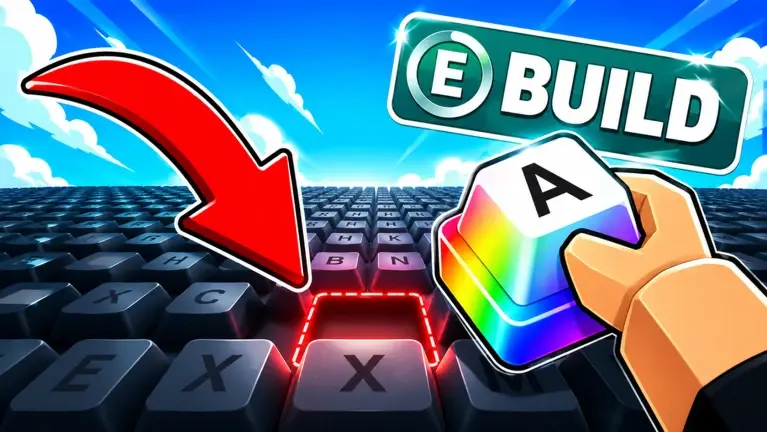
Updated Build A Keyboard codes on July 10, 2026.
Build A Keyboard is a Roblox game where players channel their inner tech enthusiast to construct the ultimate custom setup. The core gameplay loop revolves around rolling for rare, custom keycaps and continuously upgrading your workstation equipment to boost your earnings.
This post has the latest working Build A Keyboard codes that reward in-game boxes and exp, along with a guide on using the codes.
Before proceeding to the code list below, I highly recommend bookmarking this page – whenever a new code drops, you will find it here. Developers regularly release new codes for Build A Keyboard; redeem them as soon as possible. All codes are time-limited, meaning they expire after a specified period.
All Codes for Build A Keyboard
Working Build A Keyboard codes are:
ILOVEKEYCAPS= 2x Money for 5 Minutes [Added: July 8th, 2026]DUMPLINGCRATE= Dumpling Box [Added: July 8th, 2026]THANK5K= 500 XP [Added: July 8th, 2026]
If you know any additional codes for Build A Keyboard that aren’t listed above, please let me know in the comments. If any code is not working, please share it as well. I will add new codes as soon as they are released!
Expired Codes
The following codes are not working anymore in the Build A Keyboard:
Show Expired Codes
- n/a
How to redeem Build A Keyboard Codes?
To redeem codes in Build A Keyboard, follow these instructions:
- Press the Settings/Gear button in the top left corner of the game screen, then scroll down to the code section on the same settings window.
- Enter a working code and hit the redeem button
- If the code is active, you will receive the rewards immediately
How to get more Build A Keyboard codes?
For more Build A Keyboard codes, regularly visit this code wiki page. New codes are released with every update and sometimes bonus codes are shared on random days. I update the list whenever a new code is out. You can also join the official Discord of Build A Keyboard for the latest code updates.
What is the Discord link for Build A Keyboard?
The official Discord link for Build A Keyboard is https://discord.com/invite/zSXKCDHcFD. In the Discord server, you will find the update logs, upcoming update sneak peeks, and latest codes as well. If the link is not working, please let me know in the comments.
Related:
That’s everything I have in this post about Build A Keyboard codes.
Follow Us On Social Media: