In this post, I have shared the official Bizarre Lineage Trello Link & Wiki, which you can visit to familiarize yourself with all aspects of this Roblox game. Get the updated Trello link and Wiki details for the Roblox Bizarre Lineage.
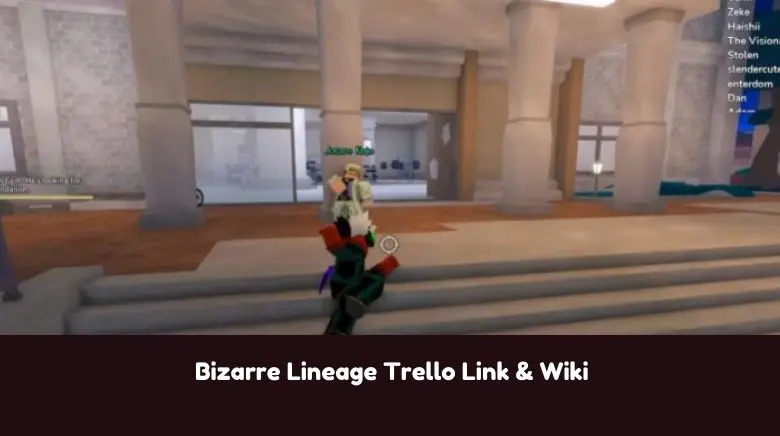
Bizarre Lineage is a JoJo-inspired Roblox RPG that combines fast-paced combat with deep character progression. Explore the iconic town of Morioh as you build a custom fighter, unlocking powerful Stands from Parts 3 through 8. Experiment with unique perk combinations to create a personalized build that fits your playstyle. Whether you’re tackling immersive PvE quests or testing your skills in intense PvP battles, this exploration-driven world offers endless ways to master your abilities.
Roblox Bizarre Lineage Trello Link & Wiki
Below, I have shared the official Trello link for Roblox Bizarre Lineage, as well as the Wiki and Discord links for this particular game.
The Trello board and Wiki are official ones where you can learn about Stands, Skins, Codes, Tier Lists, and More. I will keep an eye on the Trello board and Wiki updates, as devs may change the Trello board or Wiki in future updates.
The new updates to the game will be reflected on the Trello board or Wiki within a few days to a few weeks, depending on the team responsible for maintaining it.
Roblox Bizarre Lineage Trello Link Official: https://trello.com/b/Zi6UTMnO/official-bizzare-lineageWiki: No official Wiki for this game. Check Trello for guides and stands list.
Other Useful Articles On Bizarre Lineage
If you are unable to access the Trello for Roblox Bizarre Lineage using the link above, please let me know in the comments. As noted above, developers may modify the Trello board, and the previous version may stop working.
If you’re prompted to join or sign up to access the board, it means the Trello board is set to private.
In private mode, only authorized users can access the board. This usually happens when Trello is updated with new information, or when it’s unavailable to all. You should check Discord for updates. Alternatively, please comment below, and I will look into the issue.
How to Use the Bizarre Lineage Trello Board or Wiki
If you’re new to Trello or Wiki:
- No sign-up is needed unless the board or Wiki is private.
- You can scroll through various lists, including Stands, Skins, Codes, Tier Lists, and More.
- Check for developer notes, previews of new content, and links to code and Discord servers.
If the board is set to private, the developers may be updating it. Try again later or check their Discord for announcements.
What is the Bizarre Lineage Trello & Wiki About?
The official Bizarre Lineage Trello board & Wiki is a developer-curated guide where you can find:
- Map
- Progression Guide
- Stands
- Game Mechanics
- Tier List
- NPCs
- Resources
- Game Guides
- Progression
- Items
- Accessories
- Bosses
- Enemies
Trello is regularly updated and serves as a living wiki for both beginners and experienced players.
That’s it in this post on Bizarre Lineage Trello Link & Wiki.
Follow Us On Social Media:
Other Roblox Trello Boards: