In this post, I have shared the official Vox Seas Trello Link & Wiki, which you can visit to familiarize yourself with all aspects of this Roblox game. Get the updated Trello link and Wiki details for the Roblox Vox Seas.
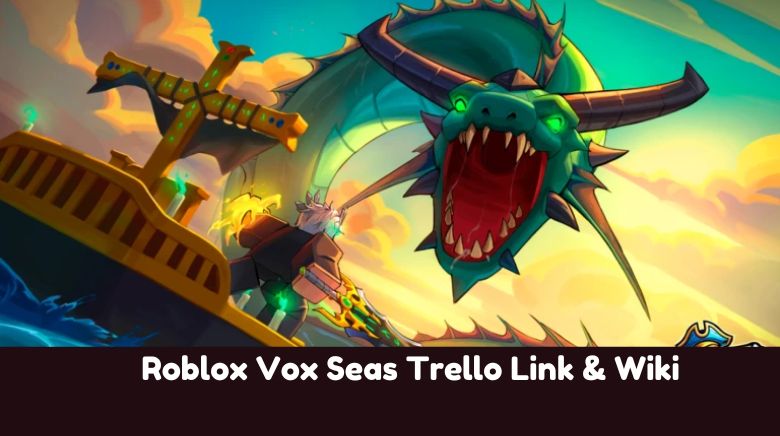
Vox Seas is an anime-style open-world game on Roblox inspired by One Piece. You start as a pirate or marine and explore different islands across the sea. As you level up, you can fight enemies, take on quests, and collect items or Devil Fruits that give you special powers. The game has fast-paced combat with swords, guns, and unique abilities.
You can travel by boat, challenge bosses, and team up with or fight other players. The world is always growing with updates, new areas, and events. Whether you want to grind, explore, or test your skills in battle, Vox Seas offers a simple and fun pirate adventure.
Roblox Vox Seas Trello Link & Wiki
Below, I have shared the official Trello link for Roblox Vox Seas, as well as the Wiki and Discord links for this particular game.
The Trello board is an official one where you can learn about Fruits, Styles, Tier List, Map, and More. I will keep an eye on the Trello board updates as devs may change the Trello board in future updates. The new updates to the game will be reflected on the Trello board within a few days or weeks, depending on the team behind the Trello board.
Other Useful Articles On Vox Seas
If you are unable to access the Trello for Roblox Vox Seas using the link above, please let me know in the comments. As I mentioned above, developers may modify the Trello board, and the old one may stop working.
If it asks you to join or sign up to access the board, that means the Trello board has been set to private mode.
Under private mode, only people with permission can access the board. This usually happens when Trello is being updated with new information, or it’s ceased for all. You should visit the Discord for the updates. Or, please comment below, and I will find the issue.
How to Use the Vox Seas Trello Board
If you’re new to Trello:
- No sign-up is needed unless the board is private.
- You can scroll through different lists like “Game Info”, “Vox Fruits”, “Fighting Styles”, and more.
- Check for developer notes, previews of new content, and links to code and Discord servers.
If the board is set to private, the developers may be updating it. Try again later or check their Discord for announcements.
What is the Vox Seas Trello?
The official Vox Seas Trello board is a developer-curated guide where you can find:
- Fighting Styles
- VOX Fruits
- Swords
- Guns
- Accessories
- Map
- Tier List
- Races
- Islands
- Bosses
Trello is updated regularly and acts as a living wiki for both beginners and experienced players.
Follow Us On Social Media:
Other Roblox Trello Boards:
- DIG Trello
- Dead Planets Trello
- Arise Crossover Trello
- Azure Latch Trello
- Meme Fruits Trello
- Subterra Trello
- Beast Force Trello
- Basketball Zero Trello
- Ghoul Re Trello
- Anime Card Clash Trello
- Duel Warriors Trello
- hitbox rivals Trello
- TYPE RUNE Trello
- Hunters Trello
- Grave/Vox Seasger Trello
- Slayers Reborn Trello
- Anime Siege Trello
- Zeno Piece Trello
- New Seas Trello
- RYUKEN Trello
- Fire Force Reignition Trello
- Absolvement Trello
- MUGEN Trello